

Obtaining a BASIX Certificate involves more than entering basic project information into an online form. The assessment must be based on the proposed residential design, satisfy the applicable water, energy and thermal-performance requirements, and produce commitments that align with the plans submitted for approval.
The process begins by confirming the correct project type and assessment pathway. Plans and specifications are then reviewed, project information is entered into the BASIX Tool, results are calculated and any performance shortfalls are resolved.
Once the assessment is complete, the commitments must be checked against the current drawing set before the Certificate is generated and lodged. Those commitments then remain relevant during documentation, construction and final certification.
In Brief
What Is the BASIX Certificate Process?
The BASIX Certificate process involves confirming that BASIX applies, selecting the correct project and thermal-assessment pathway, gathering current design information, completing the online assessment, meeting the applicable water, energy and thermal-performance requirements, reviewing the resulting commitments, generating the Certificate and coordinating it with the documents submitted for approval. The commitments must then be carried through the relevant certification and construction stages.
Process Navigation
The BASIX Workflow at a Glance
Steps 01–02
Classify the Project
Confirm the application type and thermal-performance pathway.
Steps 03–04
Prepare the Assessment
Gather current design information and start the BASIX application.
Steps 05–06
Assess the Project
Complete the assessment sections, calculate results and resolve shortfalls.
Steps 07–08
Finalise the Certificate
Coordinate the commitments, pay the fee and generate the Certificate.
Step 09
Lodge the Documents
Submit the Certificate and supporting documentation with the DA or CDC.
Step 10
Carry It Through Construction
Maintain the approved commitments through certification and completion.
End-to-End Process
Ten Steps from Design Review to Completed Development
| Step | Stage | Main Outcome |
|---|---|---|
| 01 | Confirm applicability | Establish whether BASIX applies and select the correct residential project structure. |
| 02 | Select the assessment pathway | Determine how the thermal-performance component will be demonstrated. |
| 03 | Gather project information | Assemble current plans, construction details and relevant system selections. |
| 04 | Start the application | Create the project in the BASIX service through the NSW Planning Portal. |
| 05 | Complete the assessment | Enter the required water, energy, thermal-performance and materials information. |
| 06 | Calculate and resolve | Calculate the results and resolve any area that does not satisfy its requirement. |
| 07 | Review commitments | Confirm that every intended commitment is accurate, achievable and documented. |
| 08 | Generate the Certificate | Complete the mandatory fields, pay the applicable fee and issue the Certificate. |
| 09 | Lodge the approval package | Submit the Certificate and relevant supporting documents with the DA or CDC. |
| 10 | Deliver the commitments | Carry the approved commitments through construction documentation, building work and completion. |
Step 01
Confirm That BASIX Applies and Select the Correct Project Type
Before opening an assessment, confirm whether the proposed work is BASIX-affected development and identify the correct project structure within the BASIX Tool.
The application may relate to a new single dwelling, a multi-dwelling development, alterations and additions, or another eligible residential project type. Selecting the wrong structure can result in incorrect questions, inappropriate assessment sections and documentation that does not match the approval pathway.
At this stage, confirm the site, dwelling configuration, number of dwellings and whether the application is being prepared for a development application or complying development pathway.
Step 02
Determine the Thermal-Performance Pathway
The thermal-performance method should be confirmed before detailed assessment work begins because it determines how the dwelling envelope is assessed and what supporting documentation will be required.
Pathway 01
BASIX DIY Method
A simplified pathway available to eligible projects within the limits of the BASIX Tool.
Pathway 02
NatHERS Simulation
A detailed thermal model prepared by an appropriately accredited NatHERS assessor using approved software.
Pathway 03
Passive House Standard
An alternative pathway for projects designed and assessed through the accepted Passive House process.
The pathway should reflect the dwelling type, project complexity and documentation available. Where NatHERS Simulation is used, the thermal model and assessor documentation must later be coordinated with the BASIX application and approval plans.
Step 03
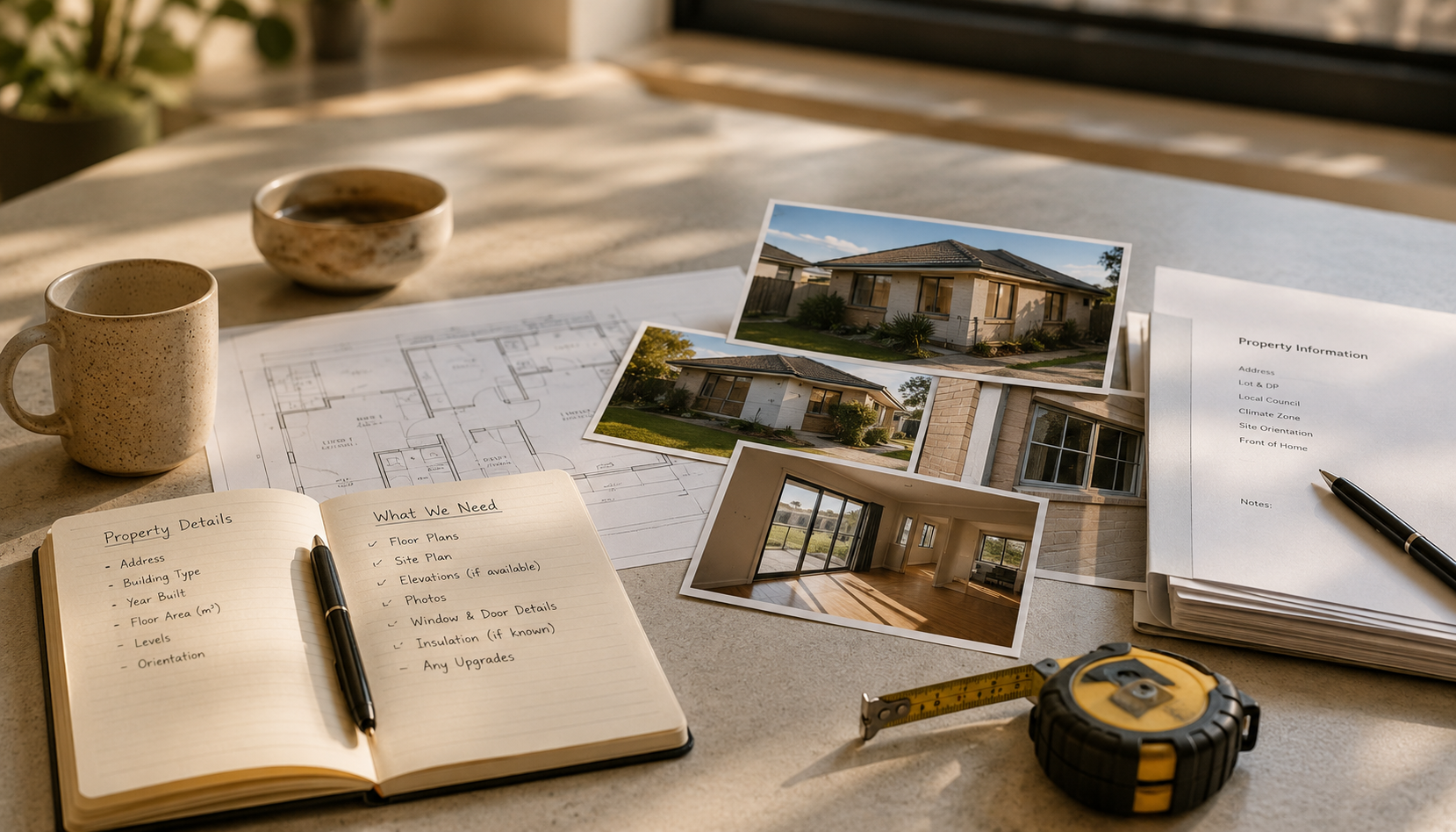
Gather the Current Plans and Project Information
The assessment should begin from a coordinated set of project information. Preliminary advice can be prepared from developing plans, but the final Certificate must reflect the residential design intended for lodgement.
The assessment will ordinarily draw information from:
- the site plan, address and true north
- floor plans, elevations and sections
- dwelling areas and room layouts
- window and glazed-door information
- wall, roof, ceiling and floor construction
- insulation and framing details
- rainwater, landscaping and water-fixture information
- hot-water, heating, cooling and ventilation systems
- renewable-energy and pool or spa information where relevant
- construction materials required by the Materials Index
The purpose of this stage is not to duplicate a complete document checklist. It is to ensure the available information is current enough for the assessment inputs to describe the proposed project accurately.
Step 04
Start the BASIX Application in the NSW Planning Portal
The BASIX service is accessed through the NSW Planning Portal. The applicant or consultant responsible for creating the project requires an appropriate portal account.
At the beginning of the application, the project team will generally:
- log into the NSW Planning Portal
- select the BASIX Certificate service
- start a new BASIX application
- enter or verify the project address and land information
- select the appropriate development and dwelling type
- complete the required project-detail fields
The address, property information and dwelling configuration should be checked carefully. These details identify the development and influence which assessment screens and requirements are presented.
Step 05
Complete the Required Assessment Sections
The BASIX Tool presents the assessment sections relevant to the selected project type. The exact fields vary, but the principal areas for new residential development include water, energy, thermal performance and construction materials.
Assessment Area 01
Water
Enter information about fixtures, alternative water sources, rainwater catchment, connected uses, landscaping, pools and spas where relevant.
Assessment Area 02
Energy
Record hot water, heating, cooling, ventilation, lighting, cooking, renewable energy and shared systems applicable to the development.
Assessment Area 03
Thermal Performance
Complete the nominated DIY, Simulation or Passive House pathway and enter the required heating and cooling information.
Reporting Area 04
Materials Index
Record the relevant construction areas and material types so embodied emissions can be calculated and reported.
The sections should be completed using coordinated project information rather than favourable placeholder inputs. Any measure relied upon to achieve the required result may become a BASIX commitment that must be delivered.
Step 06
Calculate the BASIX Results and Resolve Any Shortfalls
Once the required information has been entered, the project results can be calculated. The assessment must satisfy each applicable water, energy and thermal-performance requirement before the final Certificate can be generated.
If an assessment area does not pass, first confirm that the project information has been entered correctly. Dimensions, glazing, system selections, rainwater connections and thermal inputs should be checked before design changes are proposed.
Where the result remains insufficient, the appropriate response depends on the failing assessment area. The project team may need to review water measures, energy systems or thermal-performance inputs. Changes should be practical, coordinated and suitable for construction rather than selected only to improve the numerical outcome.
Step 07
Review the BASIX Commitments Against the Plans
Passing the assessment does not complete the coordination process. Before the Certificate is issued, review the commitments generated by the BASIX Tool and compare them with the current architectural and consultant documentation.
The review should confirm consistency across items such as:
- project address and dwelling details
- floor areas and building geometry
- window dimensions and glazing performance
- wall, roof, ceiling and floor construction
- insulation and thermal breaks
- shading and external projections
- rainwater storage, catchment and connected uses
- hot-water, heating, cooling and ventilation systems
- photovoltaic capacity and other energy commitments
- supporting NatHERS information where applicable
A commitment should be retained only where the project team understands it and intends to deliver it. A passing assessment built on impractical or contradictory commitments can create difficulties during documentation, procurement and final inspection.
Step 08
Generate the BASIX Report or Final Certificate
A BASIX Report and a BASIX Certificate serve different stages of the workflow.
| Document | When It Is Used | Key Distinction |
|---|---|---|
| BASIX Report | During assessment, review and design coordination. | Can be generated before the final Certificate and does not replace the document required for lodgement. |
| BASIX Certificate | When the project is ready to be submitted for approval. | Requires the mandatory assessment information to be completed, the applicable standards to be satisfied and the Certificate fee to be paid. |
Using the Report during design development allows the commitments to be reviewed without generating the final legal document too early. Once the design is coordinated and ready for lodgement, the applicable fee can be paid and the Certificate generated.
A newly generated Certificate is valid for three months before it is lodged with the council or accredited certifier. This is another reason to avoid generating the final Certificate while the project is still changing substantially.
Step 09
Lodge the Certificate with the DA or CDC Documentation
The final BASIX Certificate must be submitted with the relevant development application or complying development certificate documentation.
Before lodgement, confirm that the package includes:
- the current BASIX Certificate
- the matching architectural plans
- relevant specifications and consultant documentation
- the NatHERS Certificate where the Simulation Method has been used
- consistent project addresses, dwelling details and assessment references
The consent authority or certifier will review the Certificate alongside the wider application documentation. A Certificate that describes a different design can result in requests for clarification, revised documentation or a new assessment.
Step 10
Carry the BASIX Commitments Through Construction and Completion
The BASIX workflow does not end when planning approval is obtained. The commitments remain part of the approved development and must be incorporated into the documents used for construction.
For projects proceeding through a separate Construction Certificate stage, the BASIX Certificate must accompany the application and the commitments must be shown on the construction plans. Builders, suppliers and subcontractors should then work from specifications that reflect those approved requirements.
At completion, the certifying authority considers whether the development has been built consistently with the Certificate. A final Occupation Certificate is dependent on the relevant commitments being delivered, and a BASIX completion receipt forms part of the completion process.
Who Is Involved in the BASIX Process?
BASIX requires information and decisions from several members of the project team. Clear responsibility reduces the risk of conflicting inputs or commitments being overlooked.
| Project Role | Typical BASIX Responsibility |
|---|---|
| Owner or applicant | Confirms project intent, accepts commitments and ensures nominated systems remain practical for the development. |
| Architect or building designer | Provides current plans, coordinates design changes and incorporates the BASIX commitments into the drawings and specifications. |
| BASIX consultant | Prepares the application, coordinates assessment inputs, reviews the results and checks the final commitments. |
| NatHERS assessor | Completes the thermal model and supporting Certificate where the BASIX Simulation Method is used. |
| Builder and suppliers | Deliver products and construction systems that satisfy the approved commitments and supporting specifications. |
| Consent authority or certifier | Reviews the Certificate during approval and certification and checks delivery of the commitments through construction and completion. |
What Commonly Interrupts the BASIX Workflow?
The wrong project type is selected
An incorrect application structure can lead to the wrong assessment questions and may require the BASIX project to be recreated.
The assessment uses outdated plans
Later architectural changes can make the thermal model, assessment inputs and final drawing set inconsistent.
Construction details remain unresolved
Unclear glazing, framing, insulation or system information prevents the assessment from being completed reliably.
Performance shortfalls are identified too late
Waiting until the approval drawings are locked can make otherwise manageable assessment changes harder to coordinate.
The Certificate is generated before the design is ready
Further changes may require revision, while an unlodged Certificate also has a limited validity period.
Commitments are not transferred into construction documents
Even a correct Certificate can create compliance problems where its requirements are absent from the plans, schedules and specifications used by the builder.
Revisions
What If the Project Changes During the Process?
Changes can occur while the assessment is in progress, after the Certificate is generated or after the development has been approved.
Before Certificate issue, updated plans and specifications can be incorporated into the working assessment. After issue, the project should be reviewed to determine whether the existing Certificate remains accurate or must be revised.
Relevant changes can include altered geometry, windows, construction systems, insulation, rainwater arrangements, hot-water systems, heating and cooling equipment or photovoltaic capacity.
Frequently Asked Questions
BASIX Certificate Process FAQs
What is the first step in obtaining a BASIX Certificate?
First confirm that BASIX applies and identify the correct residential project type. The project structure determines which assessment questions, standards and supporting documents will be required.
Do the plans need to be completely final before BASIX begins?
No. Preliminary assessment can begin from sufficiently developed plans. The final Certificate should be based on coordinated documentation that reflects the project intended for lodgement.
Is a BASIX Report the same as a BASIX Certificate?
No. A BASIX Report can support assessment review and design coordination. The BASIX Certificate is the final document generated after the mandatory information is completed, the applicable requirements are satisfied and the Certificate fee is paid.
Can the Certificate be generated if one BASIX section does not pass?
No. Each applicable water, energy and thermal-performance requirement must be satisfied before the final Certificate can be generated.
Is a NatHERS Certificate required with BASIX?
A NatHERS Certificate is required as supporting documentation where the BASIX Simulation Method is used. It should match the BASIX assessment and the plans submitted for approval.
Where is the BASIX Certificate submitted?
The Certificate is submitted with the relevant development application or complying development certificate documentation. It is also used during applicable construction and occupation certification stages.
What happens if the plans change after the Certificate is issued?
The changed design should be reviewed against the assessment. Where an input or commitment has changed, the BASIX application and supporting documentation may need to be revised.
Does BASIX compliance finish when the DA or CDC is approved?
No. The approved commitments must continue into construction documentation, procurement, building work and final certification.
Related Knowledge
Continue Preparing the BASIX Application
Assessment note: The exact BASIX workflow depends on the project type, approval pathway, assessment method and current regulatory settings. Project-specific requirements should be confirmed before the Certificate is generated.
For regulatory information, refer to the NSW Planning Portal guidance on obtaining a BASIX Certificate.
Last reviewed: July 2026.
BASIX Project Review
Ready to Begin the BASIX Certificate Process?
Send the available residential plans to Certified Energy. We can review the project type, confirm the assessment pathway and prepare coordinated BASIX and NatHERS documentation for approval.
Send Your Plans for Review →